Understanding the Interface
Neurode MIDI offers two layouts. Choose Tabbed or Unified under Settings → Interface.
Tabbed layout
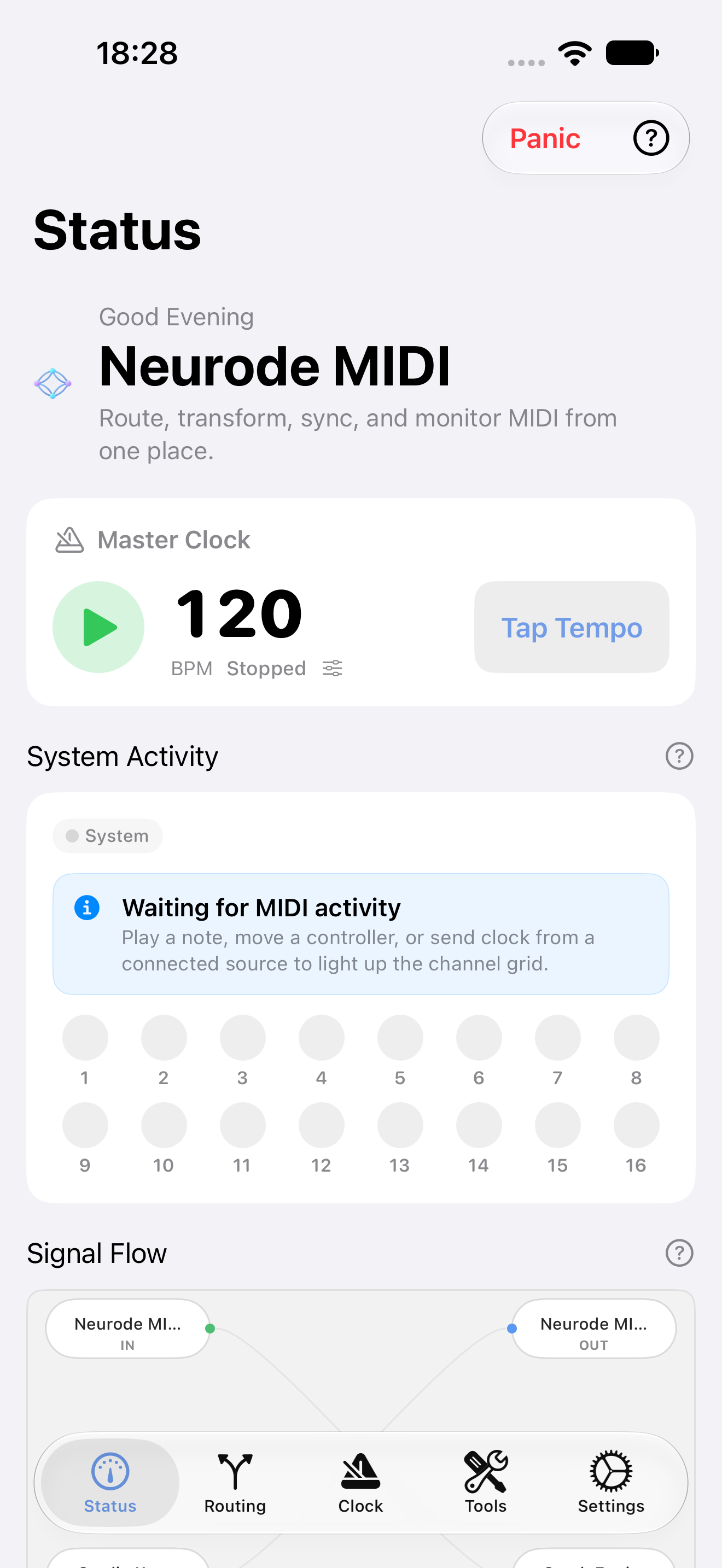
Status
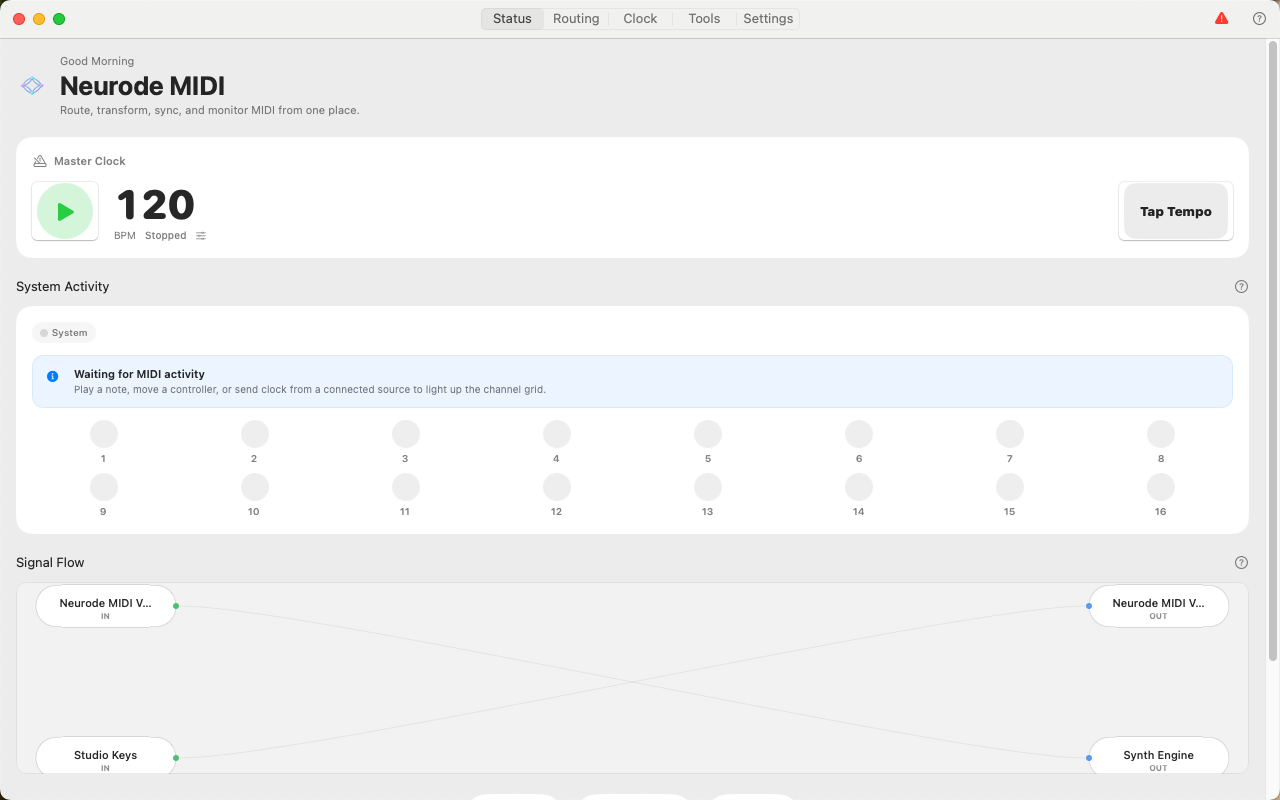
The Status screen brings together:
- master-clock controls and tempo;
- system activity by source and channel;
- Signal Flow, showing sources, destinations, routes, and recent route activity;
- counts for connected endpoints and routes;
- quick access to Bluetooth MIDI, virtual ports, and recorded-session export.
The Panic button sends reset and note-off messages when notes remain active.
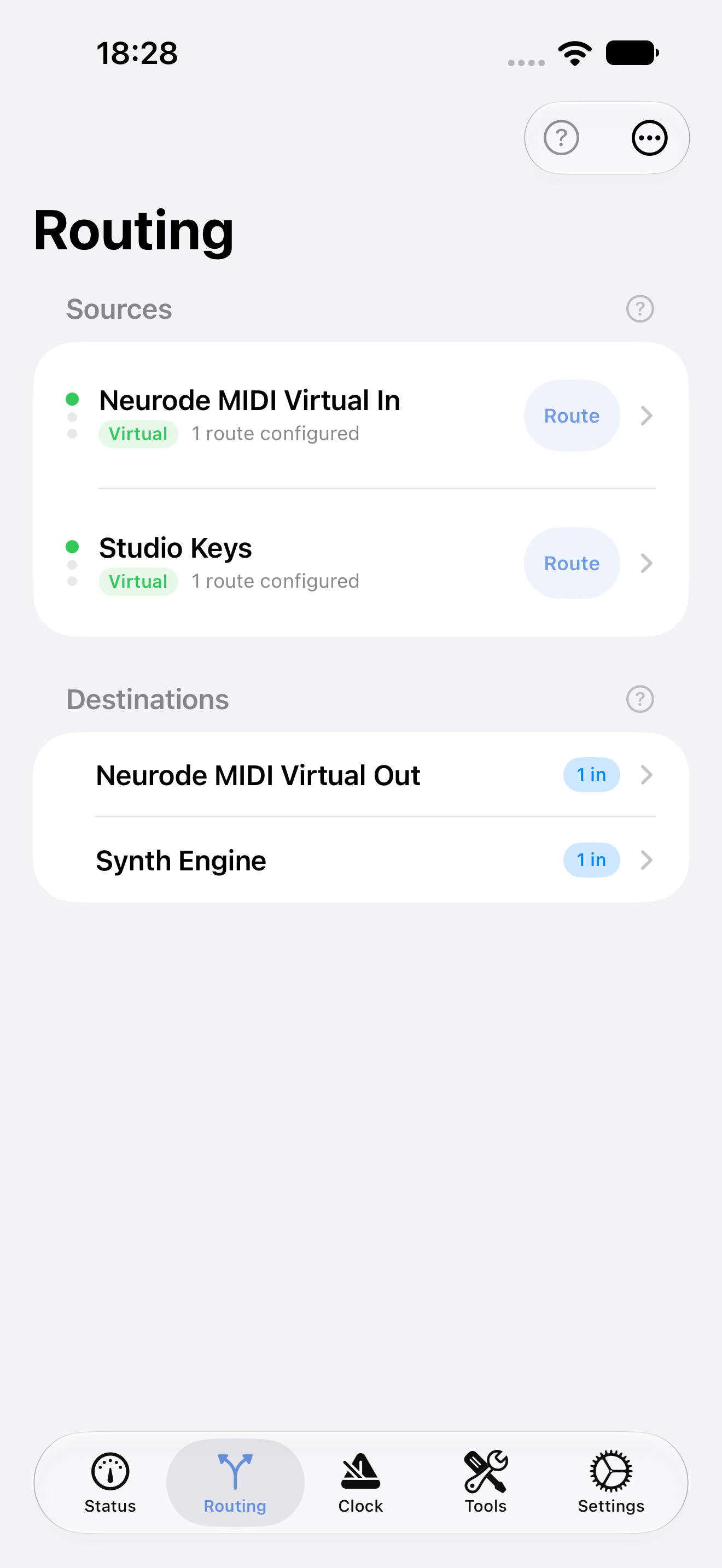
Routing
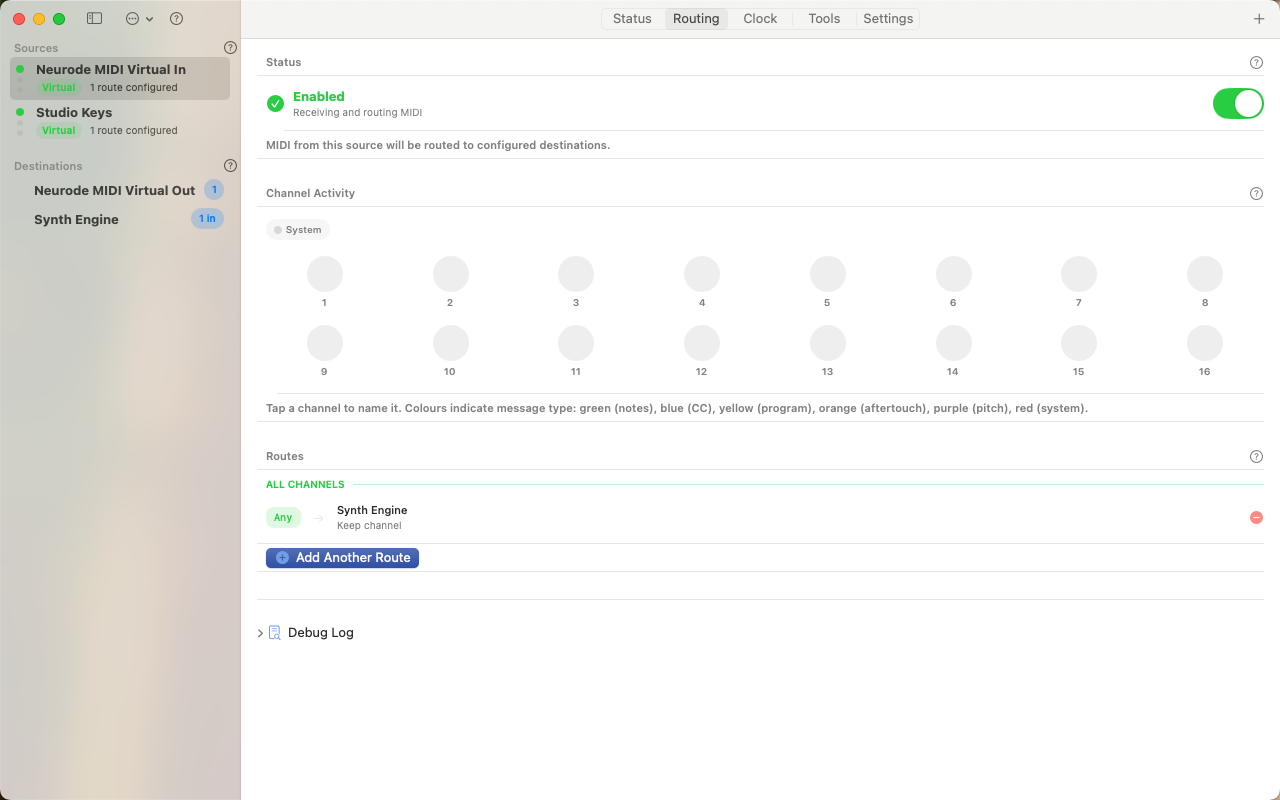
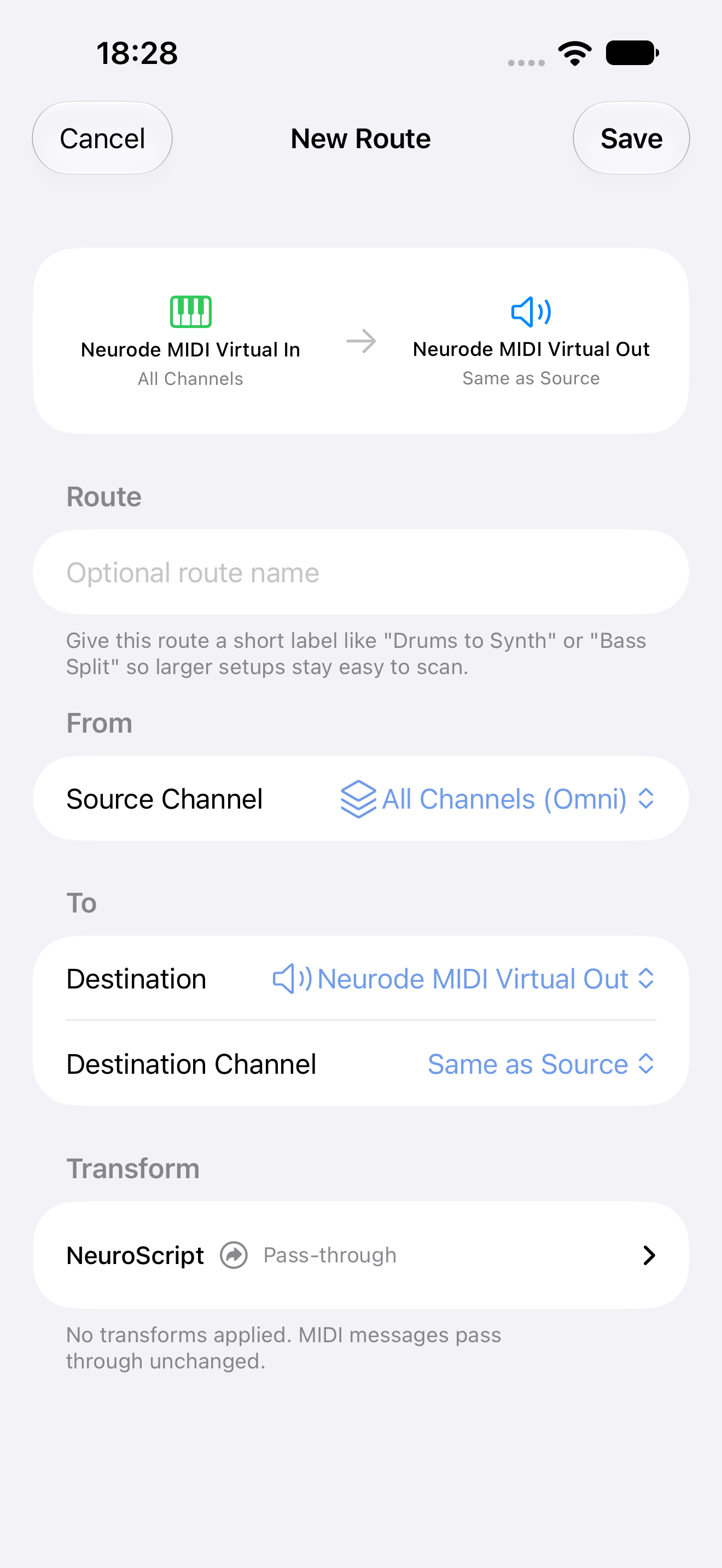
Routing lists MIDI sources and destinations. Select a source to view its channel activity, enable or disable it, and create or edit routes. Select a destination to review incoming routes and destination activity.
Clock
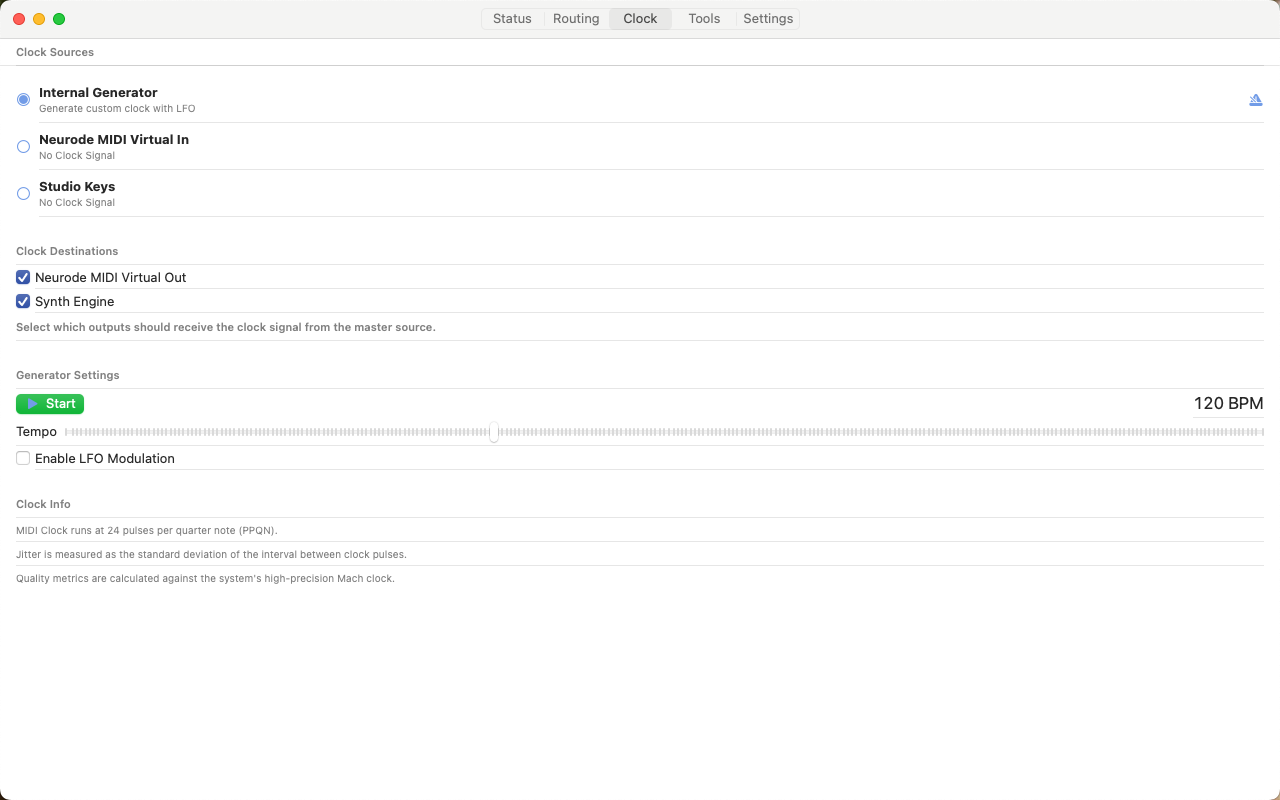
Clock selects the master clock, controls the internal generator, shows external-clock quality, and chooses clock destinations.
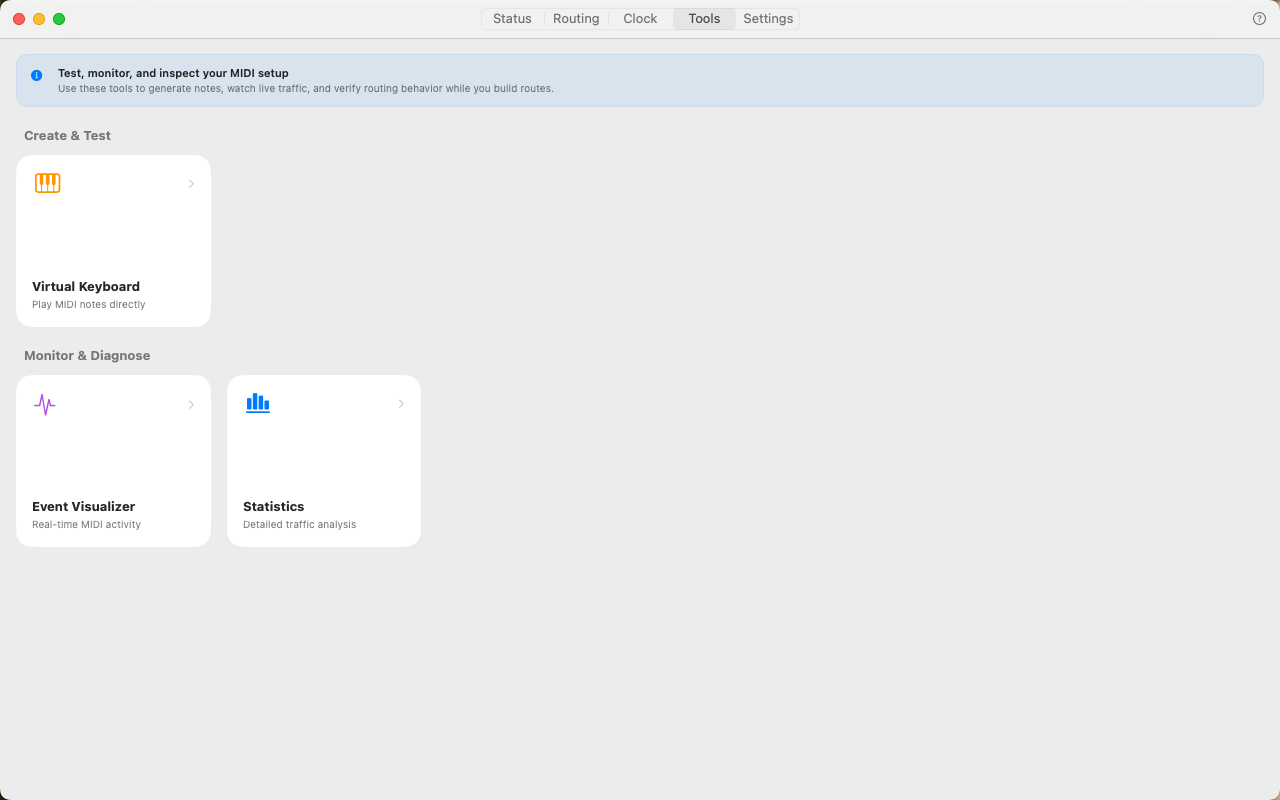
Tools
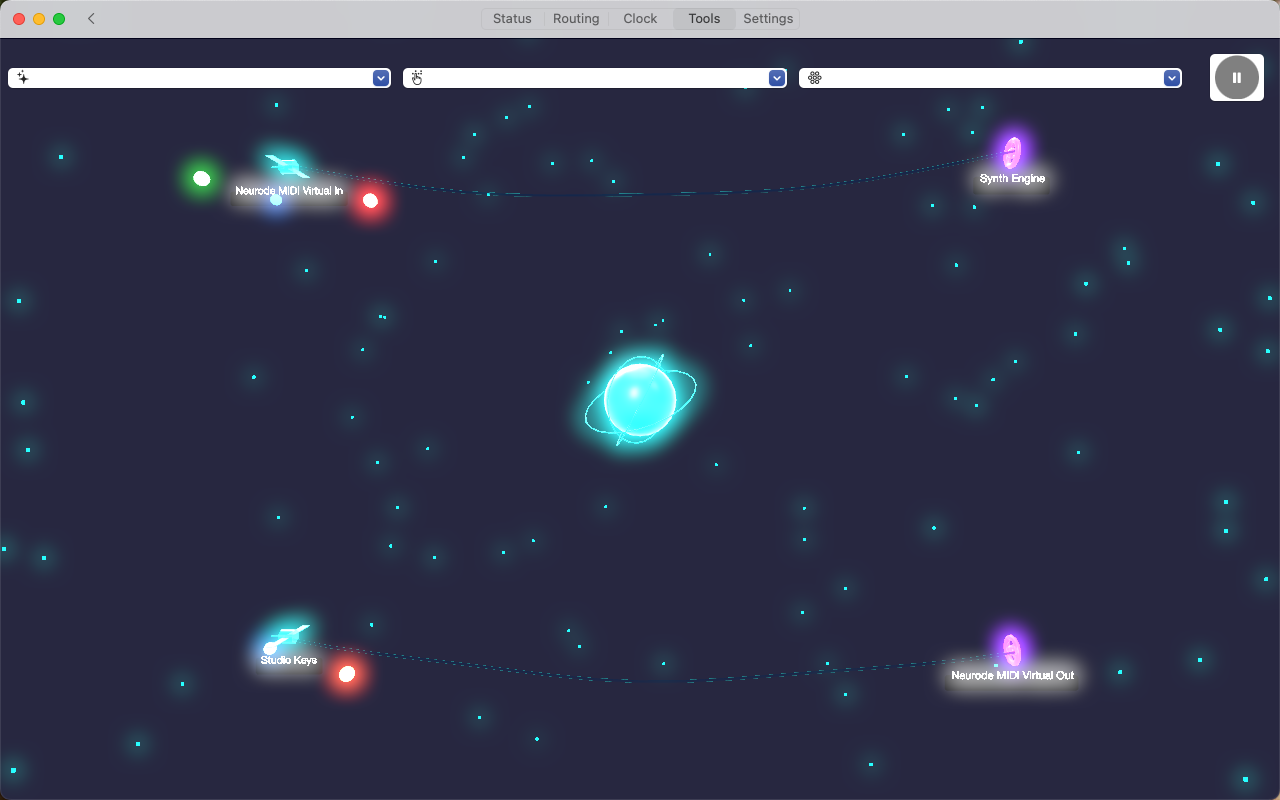
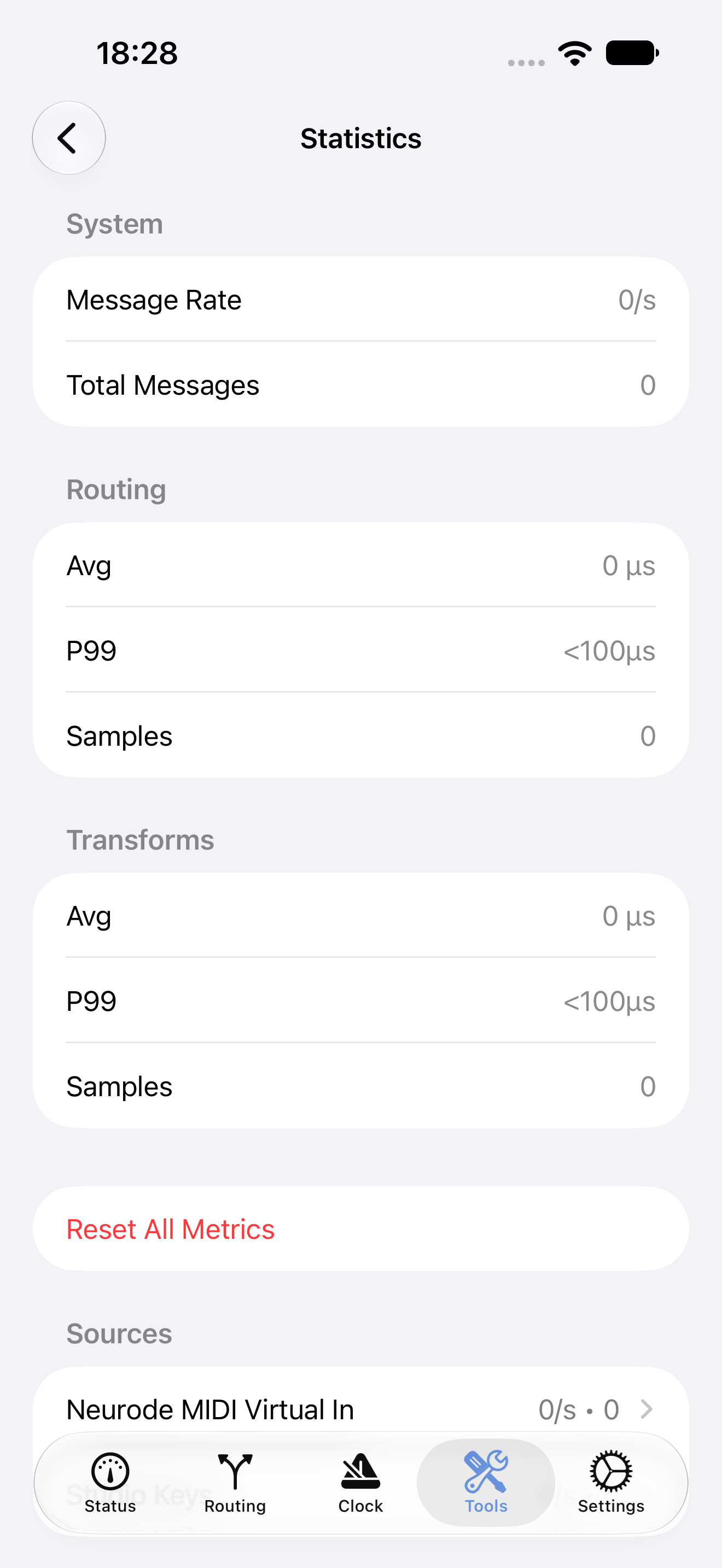
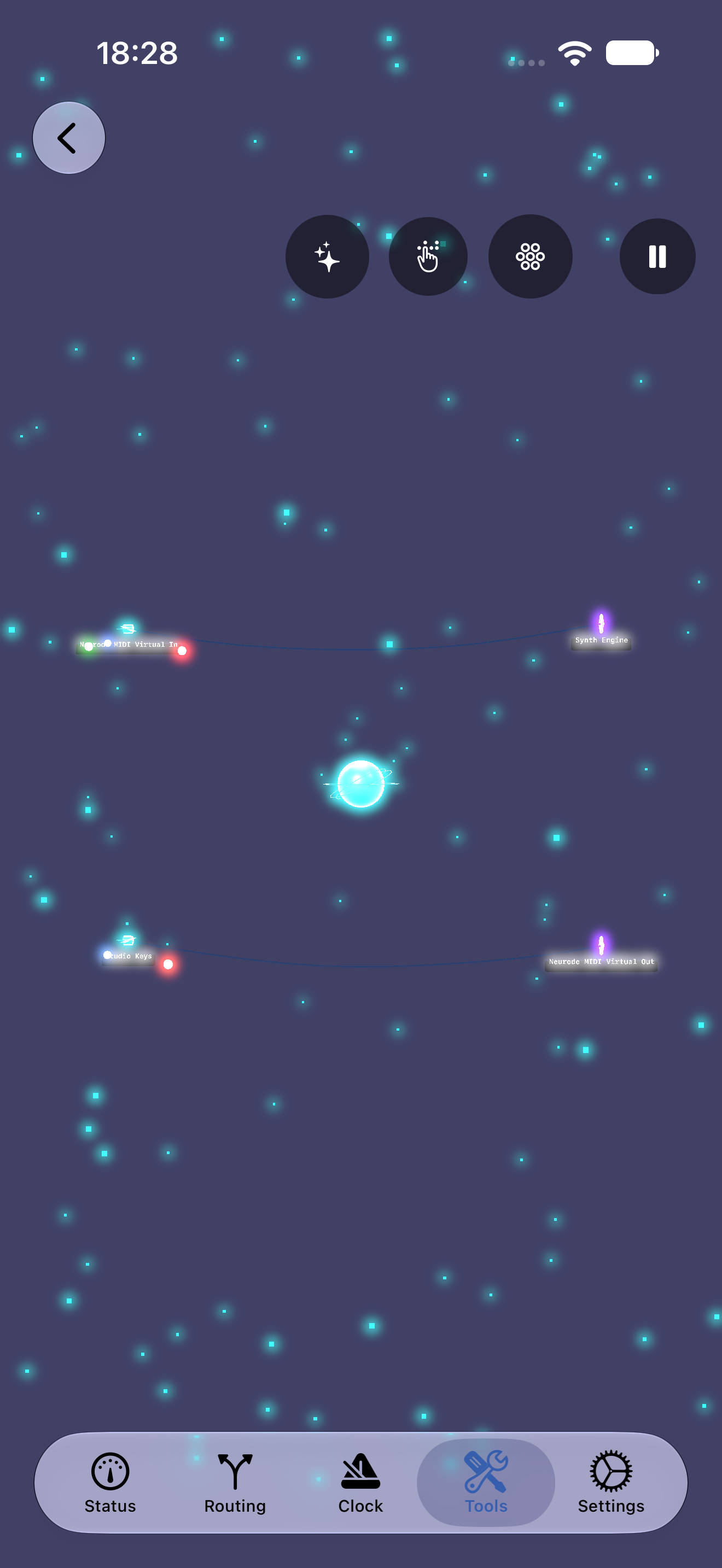
Tools contains the Virtual Keyboard, Event Visualizer, and Statistics screens.
Settings
Settings manages the interface layout, app language, profiles, connectivity, optional background routing on iPhone and iPad, the Event Visualizer, script-import security, help, and reset actions.
Current app views
These images show the same core workflows on Mac and iPhone. Select an image to view it at full size.
Mac
iPhone
Unified layout
Unified keeps routing, device information, and activity on one screen. It is useful on larger displays or when you want fewer screen changes. Switch back to Tabbed at any time under Settings → Interface.
Mac keyboard shortcuts
| Shortcut | Action |
|---|---|
| Command-Shift-R | Refresh MIDI devices |
| Command-Shift-. | Panic (All Notes Off) |
| Command-? | Open help |