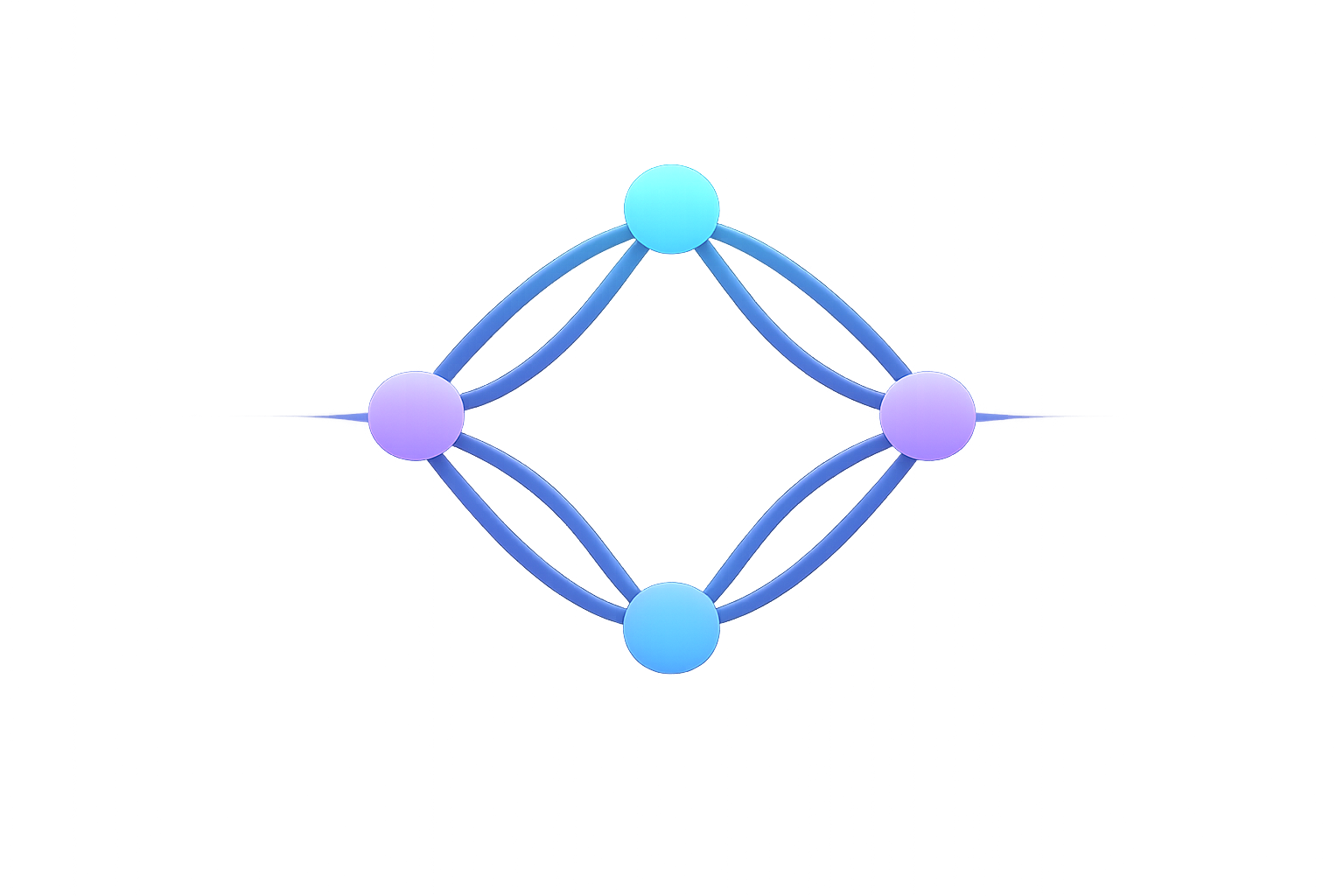
Multi-Synth Routing
One MIDI source can control several instruments by using a separate route for each destination.
Layer instruments
Create two or more routes from the same source and keep the same note range. Choose a different destination for every route. Use the destination channel required by each instrument.
Divide by note range
Create one route per instrument, then use Visual Builder to give each route a distinct note range. Adjacent ranges can meet at one split point or leave unused notes between zones.
Divide by source channel
When the controller already transmits parts on different channels, create a route for each input channel and send each route to its intended destination.
Test the setup
Name routes by musical role or destination, play every zone and channel, and check Status → Signal Flow or Tools → Statistics. Save the finished setup in a profile when you want to switch between configurations.