Signal Flow
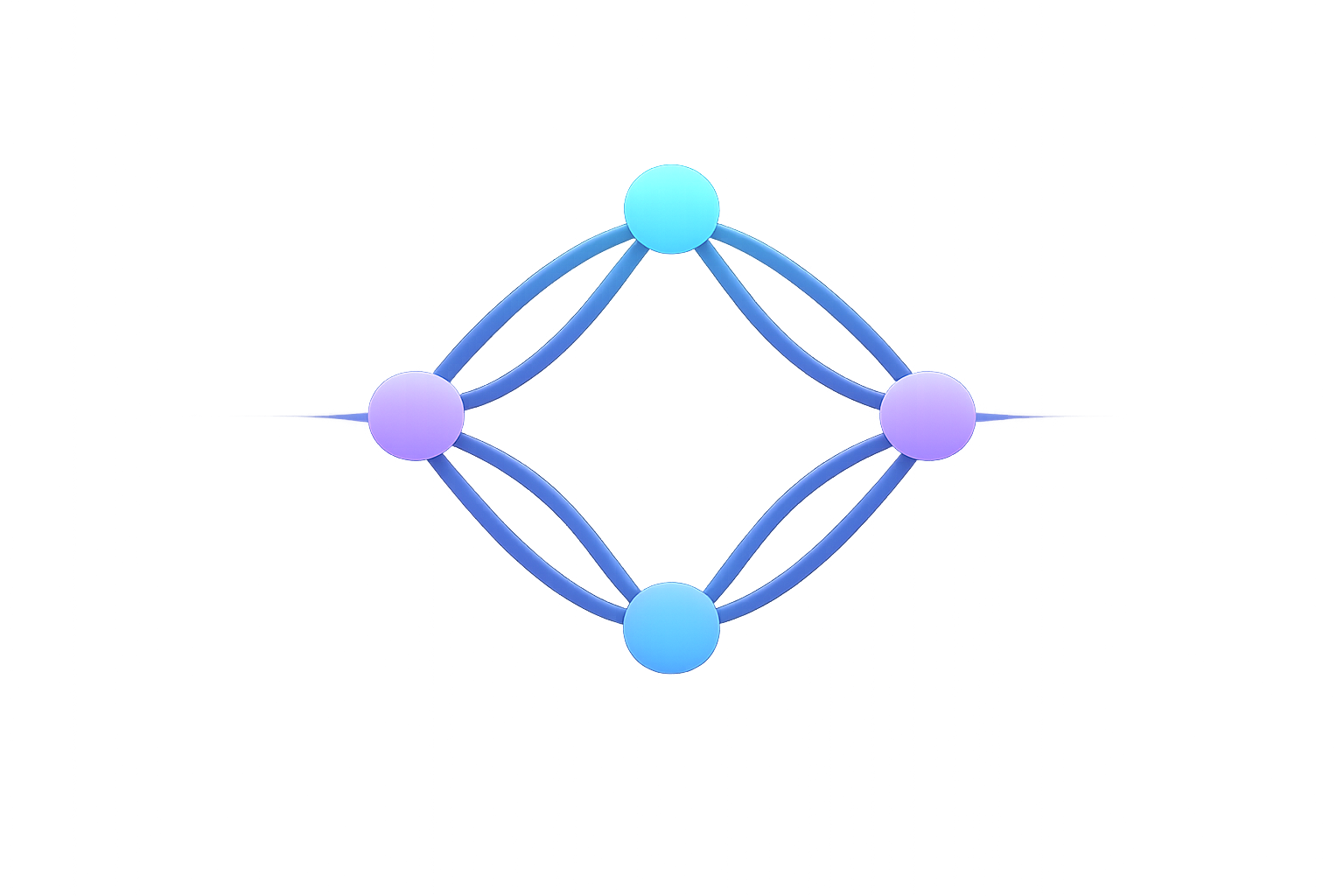
Signal Flow on the Status screen shows sources on the left, destinations on the right, and a line for each route between them.
Read the graph
- Green-accented nodes are MIDI sources.
- Blue-accented nodes are MIDI destinations.
- Lines represent saved routes.
- A route line brightens briefly when MIDI passes through it.
Select a source or destination node to open its routing details.
The layout is generated from the connected endpoints. It does not provide manual node placement, route editing on the lines, zoom controls, or saved graph layouts.
Use it with activity indicators
Signal Flow confirms the route path. System Activity confirms incoming source activity, while Tools → Statistics provides message totals and per-channel detail.